Adding a Sender to the Allow or Deny Lists in Hornet Email Security
In today's digital age, managing your inbox effectively is crucial for productivity and security.
Hornet Email Security provides robust tools to help you filter unwanted messages and prioritise legitimate communication. One of the most powerful features at your disposal is the ability to specifically "Allow" or "Deny" senders.
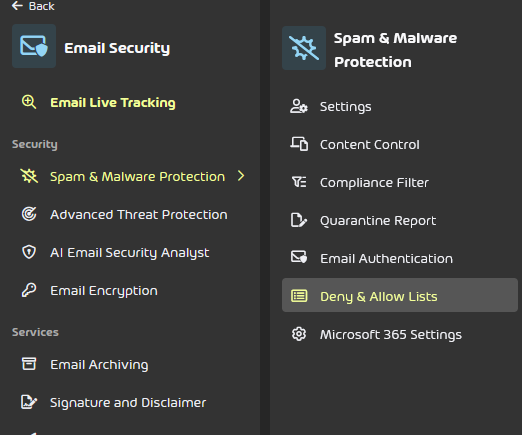
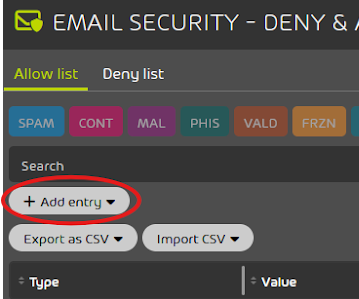
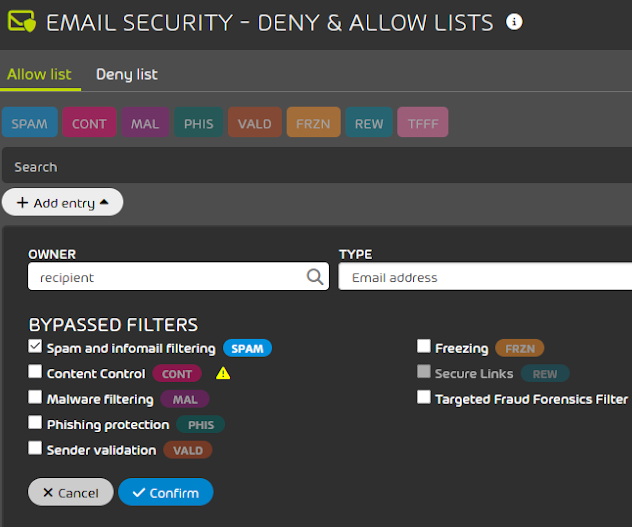
This guide will walk you through the simple steps of adding senders to these lists, empowering you to take control of your email flow, reduce spam, and ensure that critical messages from trusted contacts always make it through.
Updated 26/06/25